
Understand the asking price
See how a home compares with completed nearby sales, with the supporting details available to review.
CompSpan for homebuyers
An asking price is only part of the story. CompSpan brings nearby sale prices, property comparisons and repair planning into one place, so you can understand the home you’re considering.
Free manual tools. Automated research paused for license review.
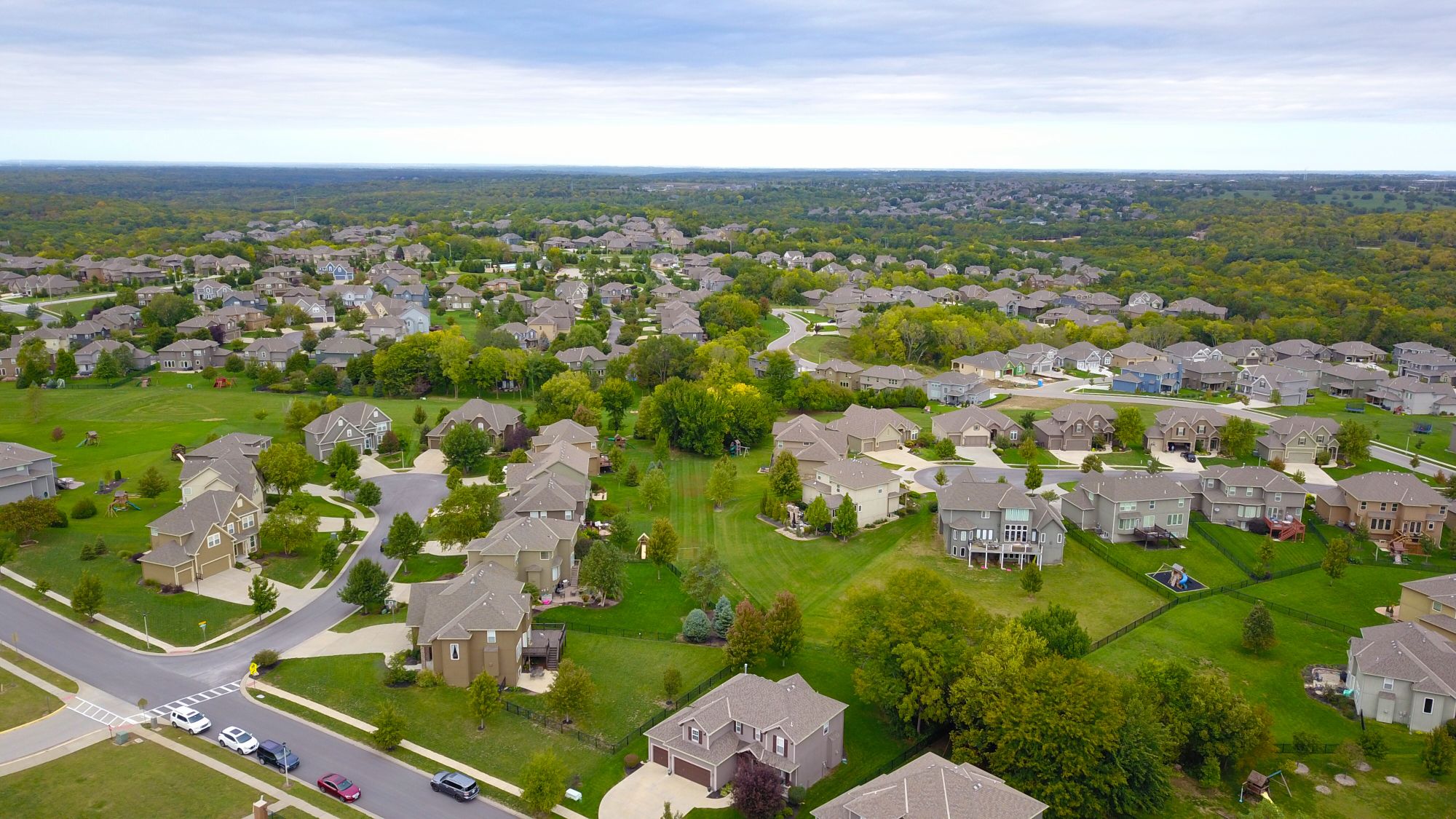 Start with the home. Understand the neighborhood.
Why use CompSpan?
See how a home compares with completed nearby sales, with the supporting details available to review.
Use Plus to organize your repair estimates, contractor quotes and contingency budget alongside the planned purchase price.
Revisit saved reports and notes, compare your options with Plus, and bring specific questions to your agent or inspector.
Your first comparison
Follow these five steps for each home you want to research.
View the example reportEnter a full address to open its property research page, including the unit number if there is one. You can also search a neighborhood, city or ZIP code to explore recent sales first, then choose a specific home.
You can also open the example report first to see what a comparison looks like.
Explore an example reportReview the home’s size, bedrooms, bathrooms, property type, lot, year built and number of levels. Add what you know about its condition and repairs.
Automated lookup is paused during source-license review. Enter facts from your own research that you have permission to use, and retain their sources.
Comparable sales, often called “comps,” are nearby homes similar to the one you’re considering. Their completed sale prices help put the asking price in context.
Start within half a mile and choose sales from the last 90 or 180 days. Match the property type, size and bedroom/bathroom count. You can expand to 1 or 5 miles when you need a wider search. Connected searches are paused. Add permitted sales records from your own research.
Compare sale prices, distance, size and closing dates. Open the source links privately and check why a home was included or excluded. Automatic photo extraction is disabled; unapproved saved images are withheld.
The report needs at least three qualifying, selected closed sales to show a price benchmark. AI explanations are paused pending approval for third-party processing. Calculated comparisons remain available. Review missing facts and differences in condition or location before drawing conclusions.
Save evidence to My properties. Share client reports only when you have the necessary data rights; exports of unapproved connected-source material are blocked. Keep track of the questions you want answered before moving forward.
Free accounts can save up to 3 homes. Plus saves up to 50 and lets you compare 4 homes side by side, record repair estimates and contractor quotes, and build a purchase-plus-repairs budget.
Open My propertiesStart with the address and build your first comparison.